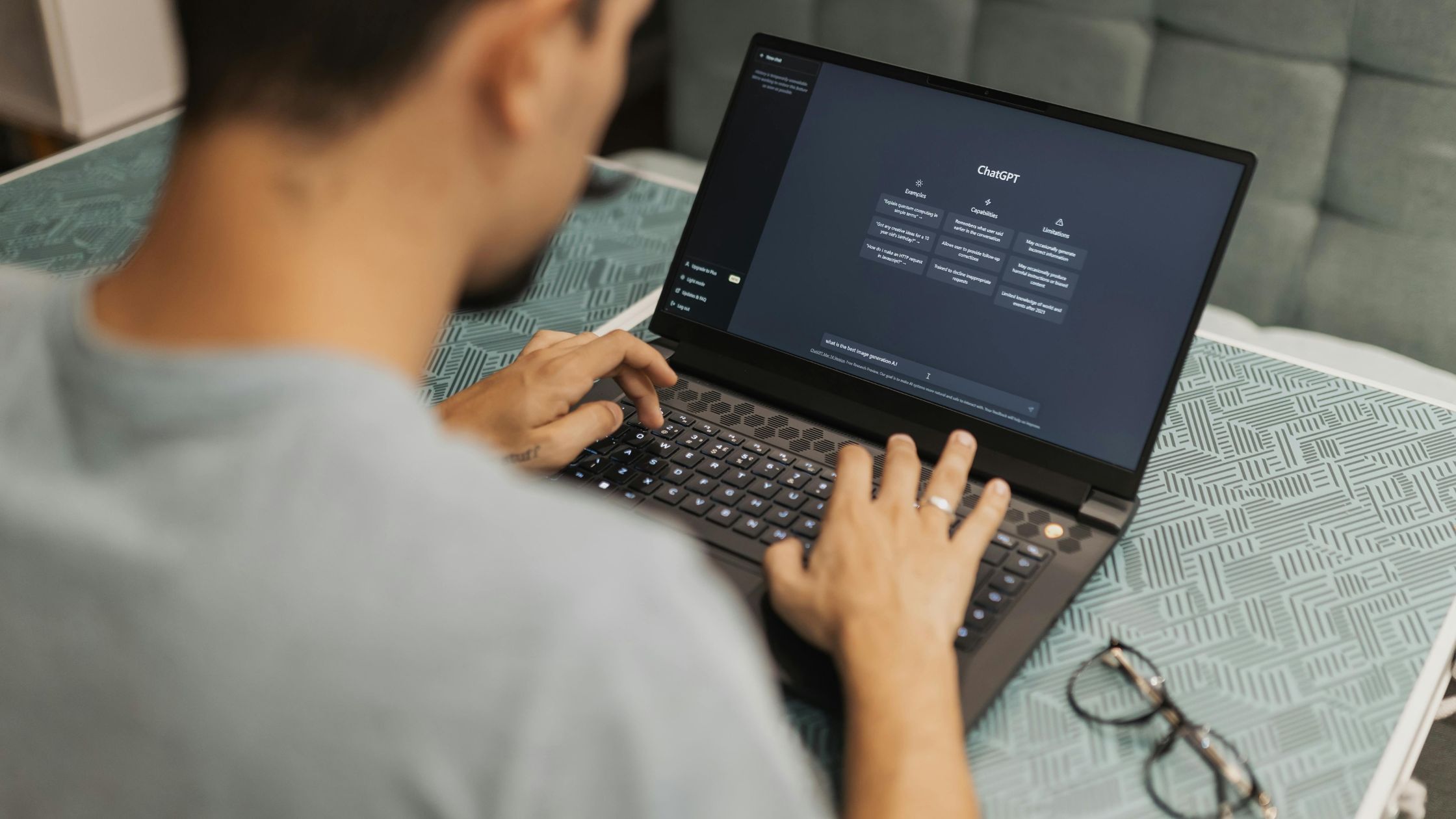




The best free AI tools for freelancers in 2026 are ChatGPT, Claude, Canva, Perplexity AI, Otter.ai, Grammarly, and Notion AI. Each has a free tier generous enough to handle real client work — not just a teaser that locks up after two prompts.
You don’t need a $300/month software stack to compete as a freelancer right now. What you need is the right combination of free tools, used for the specific tasks they’re each genuinely good at. Below is exactly what each one does well, where the free tier actually limits you, and who should use it.
How we evaluated these tools
We tested each tool against real freelance tasks: drafting client emails, writing proposals, researching unfamiliar industries, transcribing a client call, and producing quick social graphics. A tool only made this list if its free plan does meaningful work, not just a watered-down demo.
1. ChatGPT — best all-around assistant
Best for: Writing, brainstorming, light coding, client communication Free plan: Access to GPT-4o with soft daily usage limits
If you only install one AI tool, this is the one. ChatGPT’s free plan covers the widest range of use cases for most freelancers, handling everything from cold outreach emails to debugging a client’s code snippet in the same conversation.
Where the free tier limits you: Usage caps reset daily and rarely interfere with normal freelance workflows, but heavy daily use (research-heavy days, long back-and-forth drafting sessions) can hit the ceiling. If that happens regularly, it’s usually the first tool worth upgrading.
Who should use it: Any freelancer who wants a single tool that handles writing, research, and quick problem-solving without switching apps.
2. Claude — best for long documents and nuanced writing
Best for: Long-form writing, editing, proposals, research synthesis, strategic thinking
If your freelance work involves genuine thinking rather than just generating content — strategy docs, detailed proposals, long client reports — Claude tends to produce more careful, less generic output than other free AI assistants, particularly on longer documents where context needs to be held consistently throughout.
Where the free tier limits you: The free tier works well for solo projects but can feel tight on very long documents or multiple revisions in a single session.
Who should use it: Freelance writers, strategists, and consultants producing detailed written deliverables.
3. Canva (Magic Studio) — best for fast, polished visuals
Best for: Social graphics, presentations, branded content, quick design work Free plan: Full free design suite plus a usable allotment of AI image/design generations per month
Canva’s Magic Studio suite — including text-to-image, background remover, AI-powered resizing, and Magic Write — is partially available on the free plan, and it has quietly become one of the most useful free AI tools any freelancer can have in their stack regardless of niche.
Where the free tier limits you: Monthly AI generation credits are capped, so heavy daily visual production (multiple client accounts, daily social content) will burn through the allowance fast.
Who should use it: Social media managers, content creators, and any freelancer who needs polished visuals without hiring a designer.
4. Perplexity AI — best for fast, cited research
Best for: Client research, industry deep-dives, fact-checking Free plan: Unlimited standard searches, plus a small daily allotment of more powerful Pro searches
Perplexity AI is what Google Search would be if it gave you a synthesized answer with citations instead of a list of links. For freelancers researching an unfamiliar client industry, this turns what used to be 12 open browser tabs into a single clean summary with sources attached.
Where the free tier limits you: The daily allotment of Pro-level searches (powered by more capable underlying models) is small, so save those for your highest-stakes research, not everyday questions.
Who should use it: Freelance writers, consultants, and strategists who bill hourly and need to get up to speed on a topic quickly.
5. Otter.ai — best for meeting and call transcription
Best for: Client call transcripts, interview documentation, meeting notes Free plan: 300 transcription minutes per month, capped at 30 minutes per conversation, with 3 lifetime file imports
Otter automatically joins your Zoom, Google Meet, or Teams calls, transcribes them in real time, and generates a summary with action items — so you’re not scrambling to take notes during a client call.
Where the free tier limits you: This is the one to watch closely. The 30-minute-per-conversation cap means a typical hour-long client call only gets half-transcribed on the free plan, and the 3-file-import limit is lifetime, not monthly. For occasional short calls it’s genuinely useful; for weekly hour-long client meetings, you’ll outgrow it within a few weeks. A workaround: split long calls into two recording sessions to stay under the per-conversation cap.
Who should use it: Freelancers with short, occasional client calls rather than frequent long meetings.
6. Grammarly — best for proofreading and tone
Best for: Catching grammar, punctuation, and tone issues across everything you write
Grammarly works in the background across your browser, email, and documents, catching errors AI drafting tools tend to leave behind. It’s a useful final pass after ChatGPT or Claude has done the heavy lifting on a first draft.
Where the free tier limits you: Advanced style and tone suggestions are gated behind the paid plan, but core grammar and spelling checks remain fully free.
Who should use it: Any freelancer sending client-facing writing, regardless of niche.
7. Notion AI — best for organizing client work
Best for: Project notes, light project management, meeting summaries
If your freelance business is scattered across docs, spreadsheets, and sticky notes, Notion AI helps consolidate everything into one searchable workspace, with AI assistance for summarizing notes and drafting quick project updates.
Where the free tier limits you: AI features within Notion’s free plan are limited compared to paid tiers, so heavy daily AI use inside Notion specifically may require an upgrade.
Who should use it: Freelancers juggling multiple clients who need one central place to track everything.
How to build your free AI stack
Don’t try to use all seven tools at once — that’s a recipe for switching-cost fatigue, not productivity. Instead, pick based on where your time actually goes:
- Heavy on writing and client emails? Start with ChatGPT or Claude as your foundation.
- Heavy on visuals and social content? Add Canva to whichever assistant you picked.
- Heavy on research? Add Perplexity.
- Regular client calls? Add Otter, but watch the 30-minute cap closely.
- Sending a lot of client-facing writing? Grammarly runs quietly in the background regardless of what else you’re using.
A realistic starting stack for most freelancers: one general assistant (ChatGPT or Claude) plus one specialist tool for your specific niche. Add more only once you’ve clearly felt the time savings from what you already have.
When it’s time to pay
Free tiers genuinely cover light-to-moderate use. The signal to upgrade isn’t a fixed dollar amount — it’s hitting a usage cap regularly enough that it’s interrupting real work. If you’re bumping into ChatGPT’s daily limits most days, or Otter’s 30-minute cap is cutting off every client call, that’s the tool worth paying for first. Everything else can usually stay free for much longer than people assume.
Want a system for turning your daily workload into an actual plan? Read our guide on how to use ChatGPT for daily task planning for copy-paste prompts you can start using today.